Med Legal
Safe Keep
A personal health & legal vault — designed to protect everything that matters, from daily medications to end-of-life legacy.
Role
Lead Product Designer
Team
2 Designers, 4 Engineers, 1 PM, 1 Legal Advisor
Duration
16 weeks
Tools
Figma, FigJam, Maze, Notion, Zeplin
Overview
Med Legal Safe Keep is a comprehensive personal health and legal management app — a single secure vault for medical history, legal documents, emergency contacts, medications, and end-of-life instructions. I led the end-to-end product design across 877 screens: from OTP-based authentication to an 'After Life' module that helps families navigate estate and digital legacy after a loved one's passing.
The Problem
People's critical health and legal information is scattered across hospital folders, email threads, handwritten notes, and family members' memories. In emergencies, this fragmentation costs lives. Legally, it costs estates thousands in recovery fees. There was no single app handling both the medical and legal dimensions of a person's life in one secure, accessible place.
The Goal
Design a mobile app that feels like a trusted personal vault — simple enough for a 60-year-old to use daily, comprehensive enough to satisfy legal professionals, and structured enough to ensure nothing critical is ever missing.
Product Scope
10 modules. 877 screens.
Every feature, every state, every edge case — designed end-to-end.
Home Dashboard
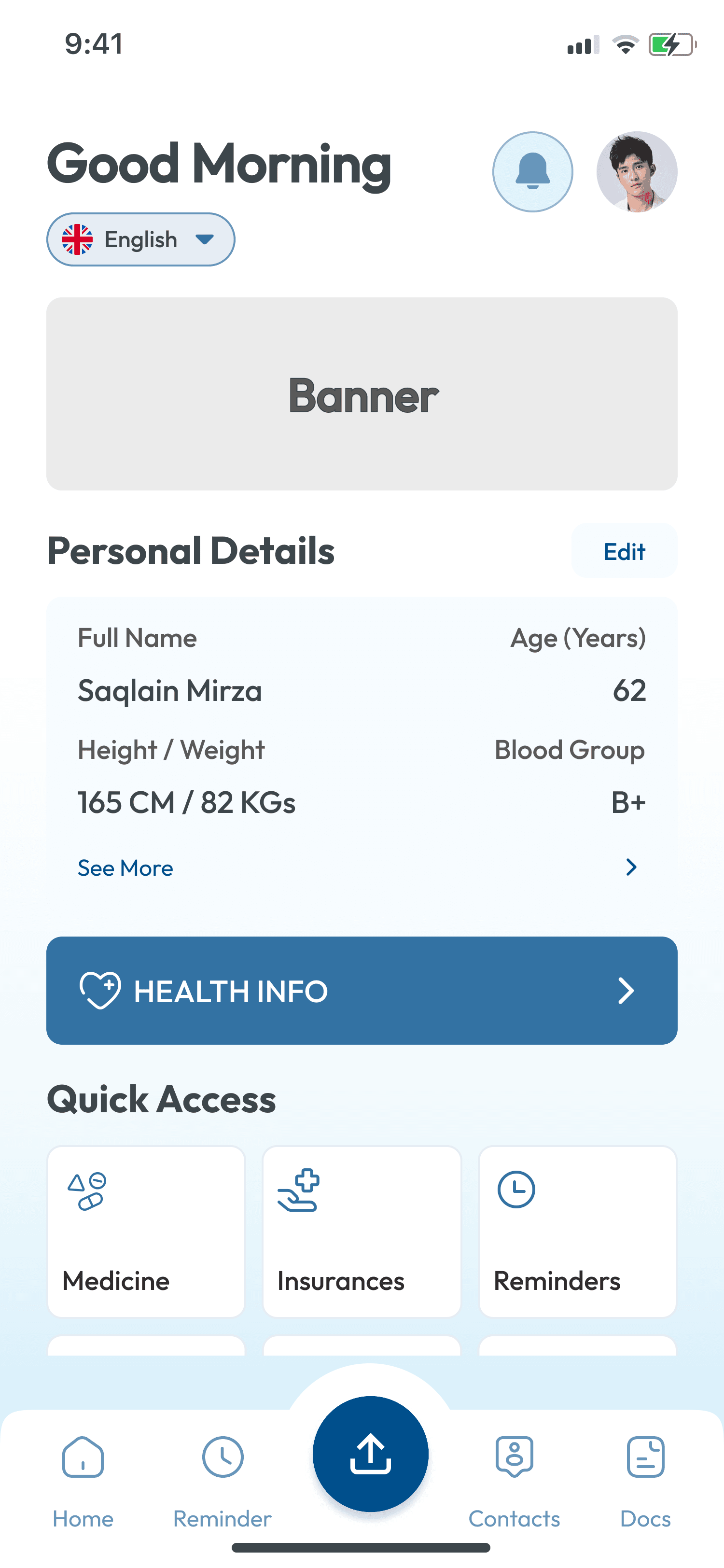
Personal details, health stats, quick access to all modules
Medications
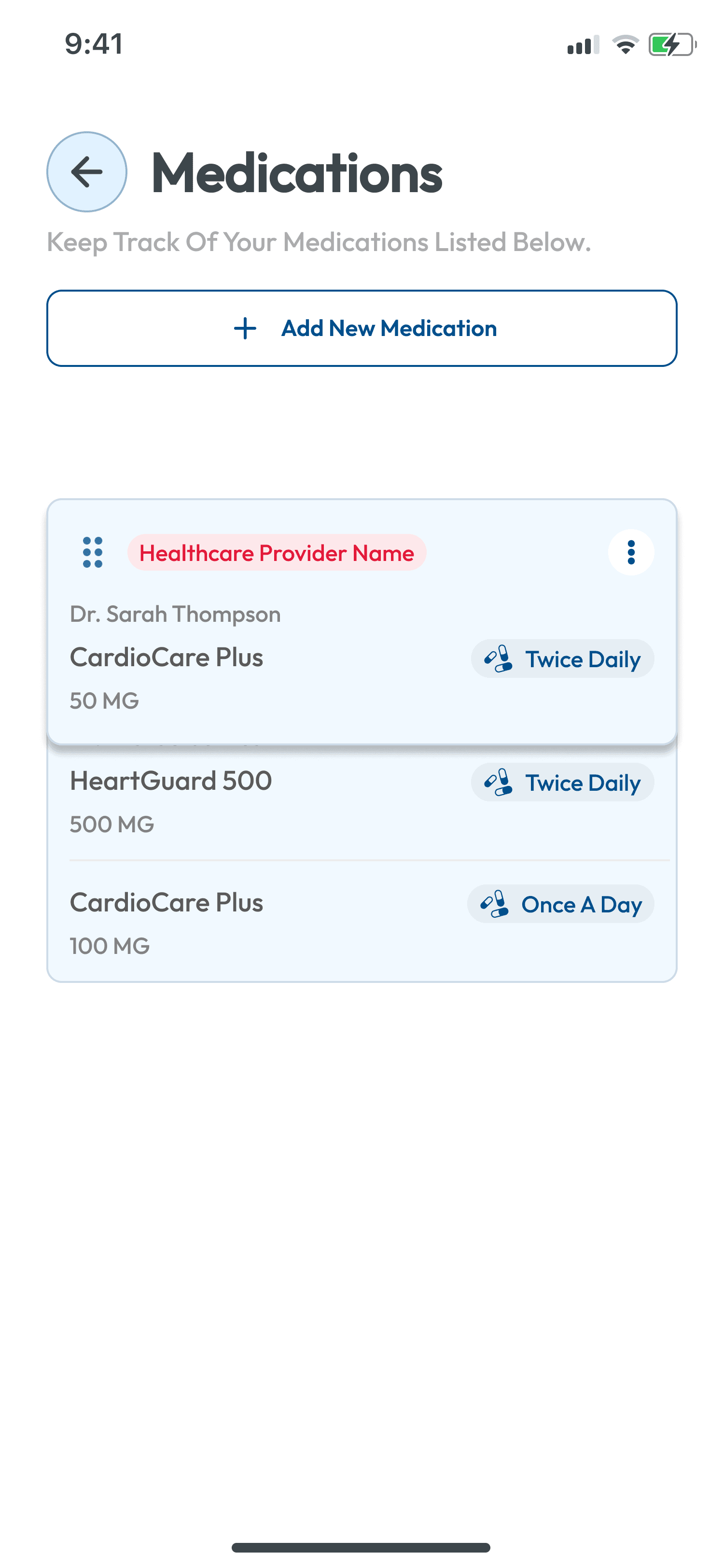
Track prescriptions by provider with dosage and frequency
Health Info
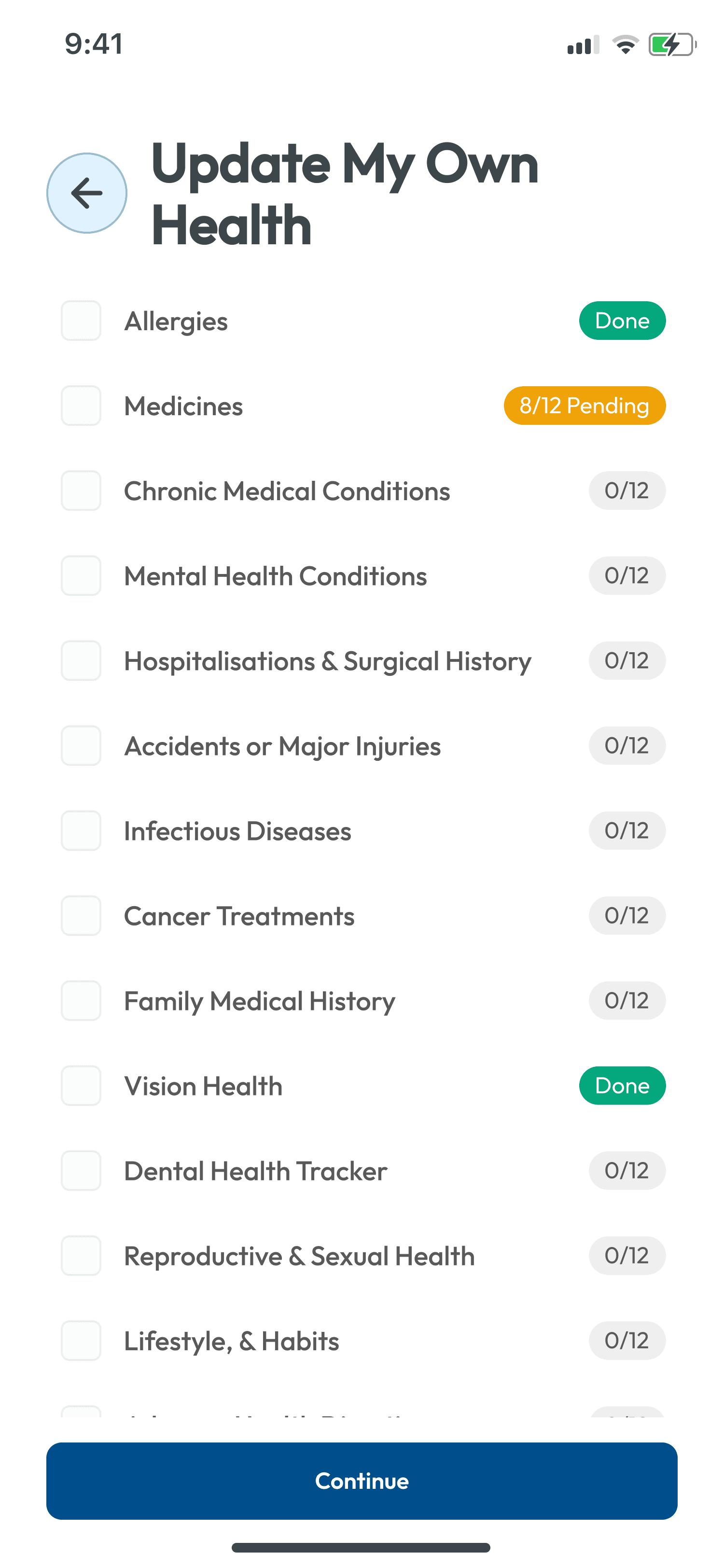
13 health categories from allergies to surgical history
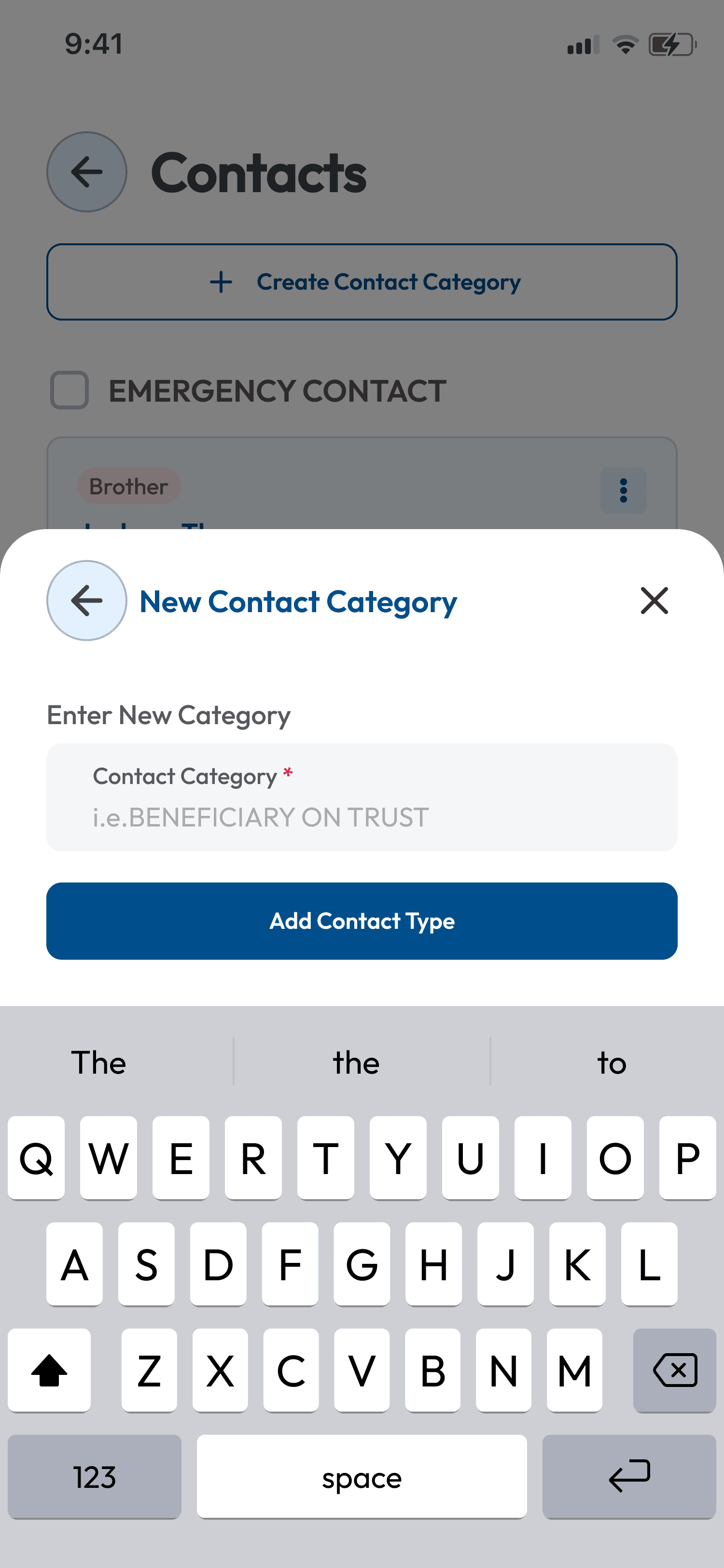
Emergency Contacts
Categorised contacts with OTP consent flows
Reminders
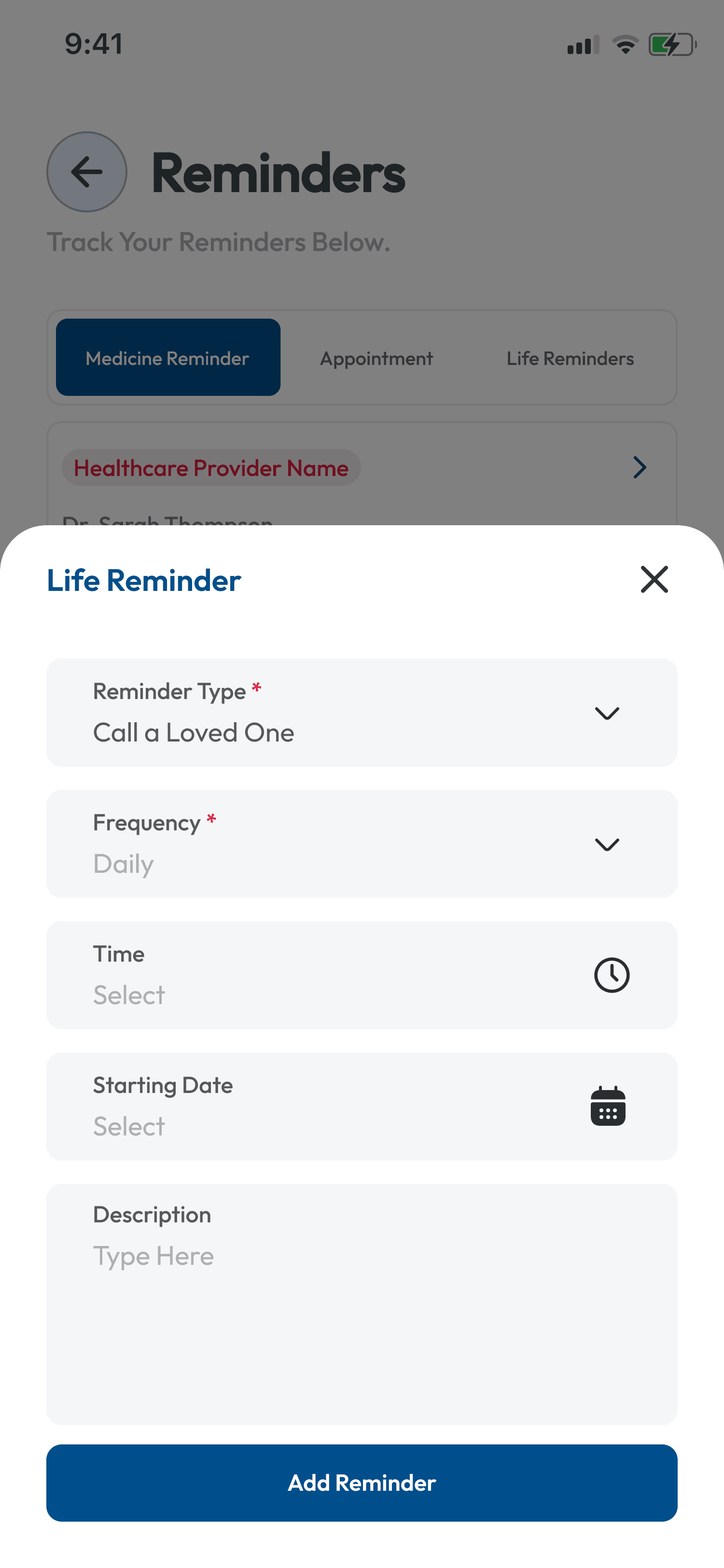
Medicine, appointment, and life reminders
Documents
Legal and medical document storage
After Life
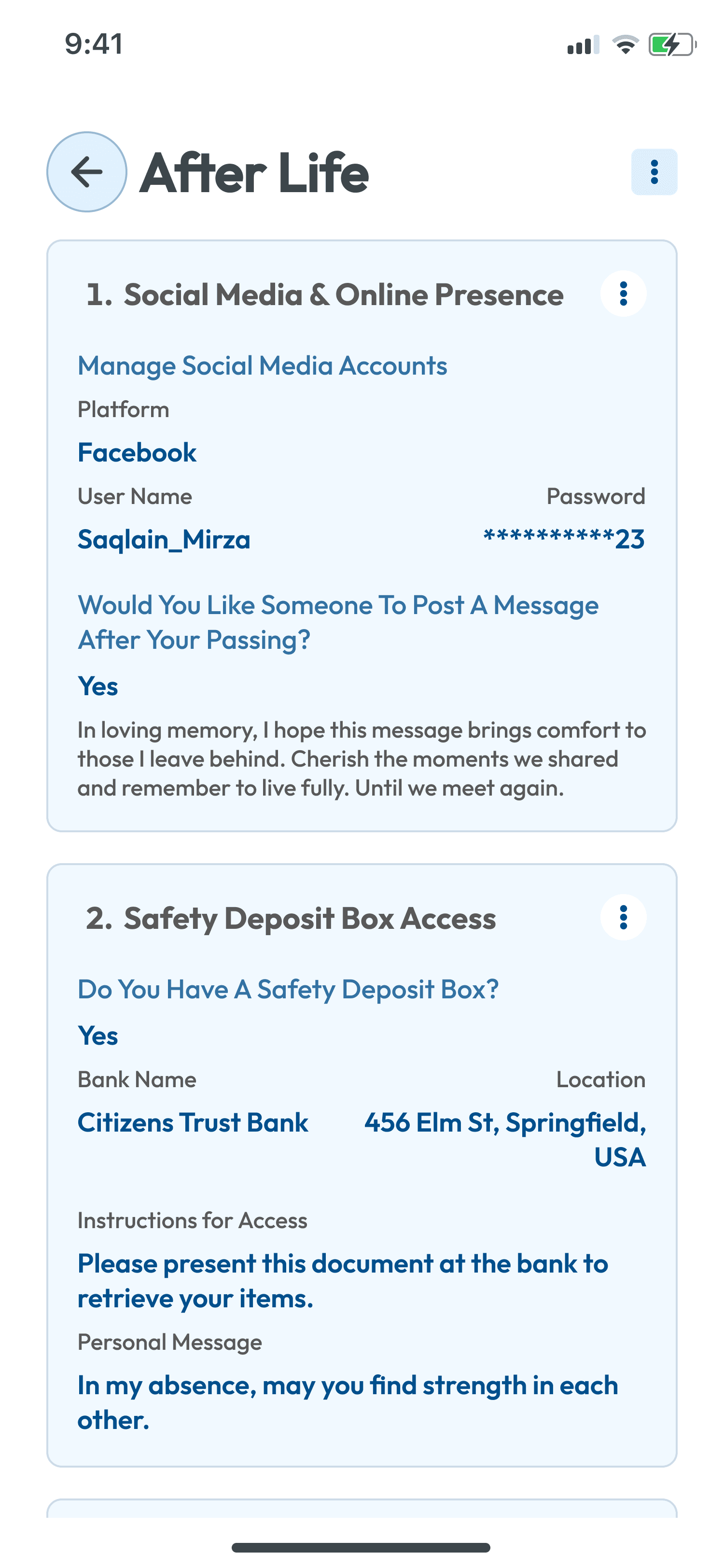
Social media, estate, and legacy management
Dependents
13-step child health onboarding
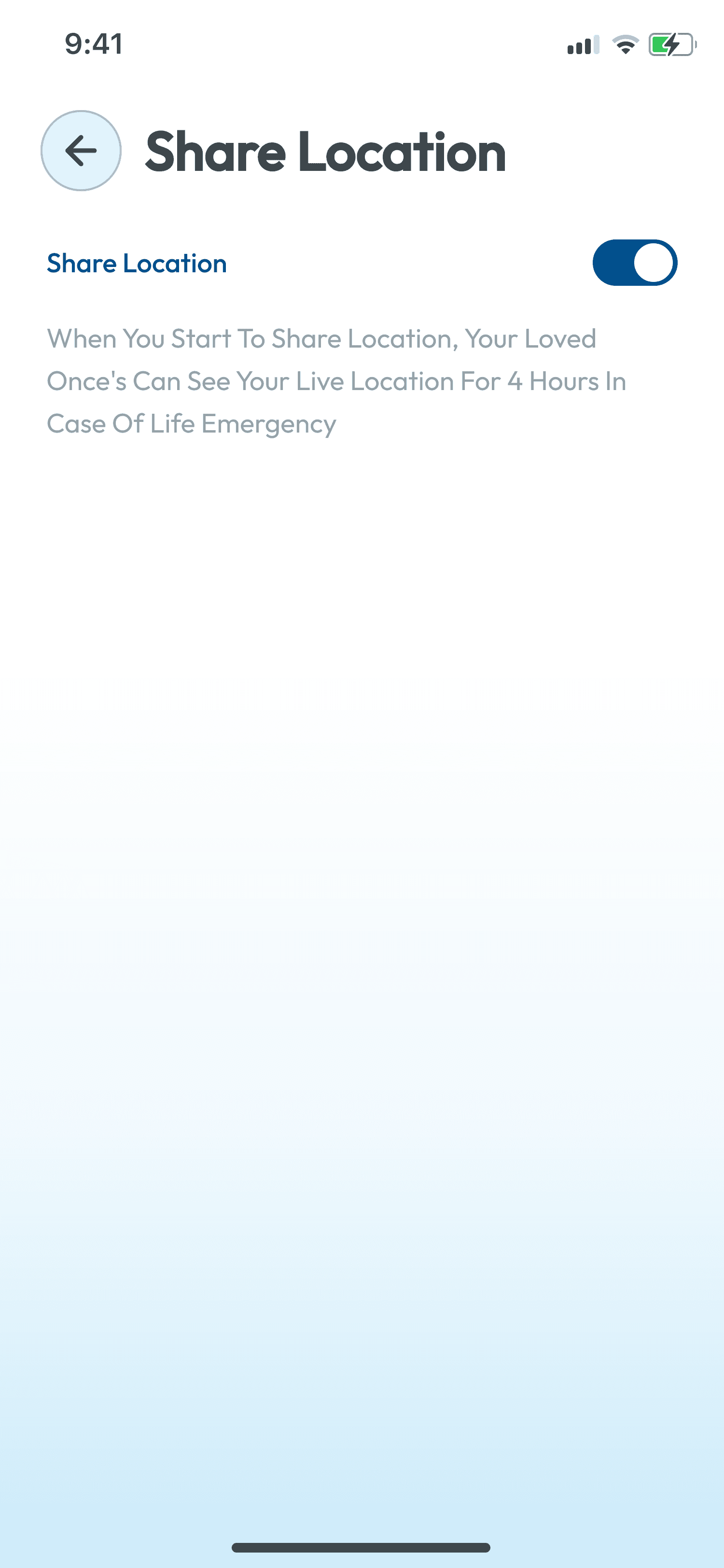
Location Sharing
4-hour live location share for emergencies
Permissions & Roles
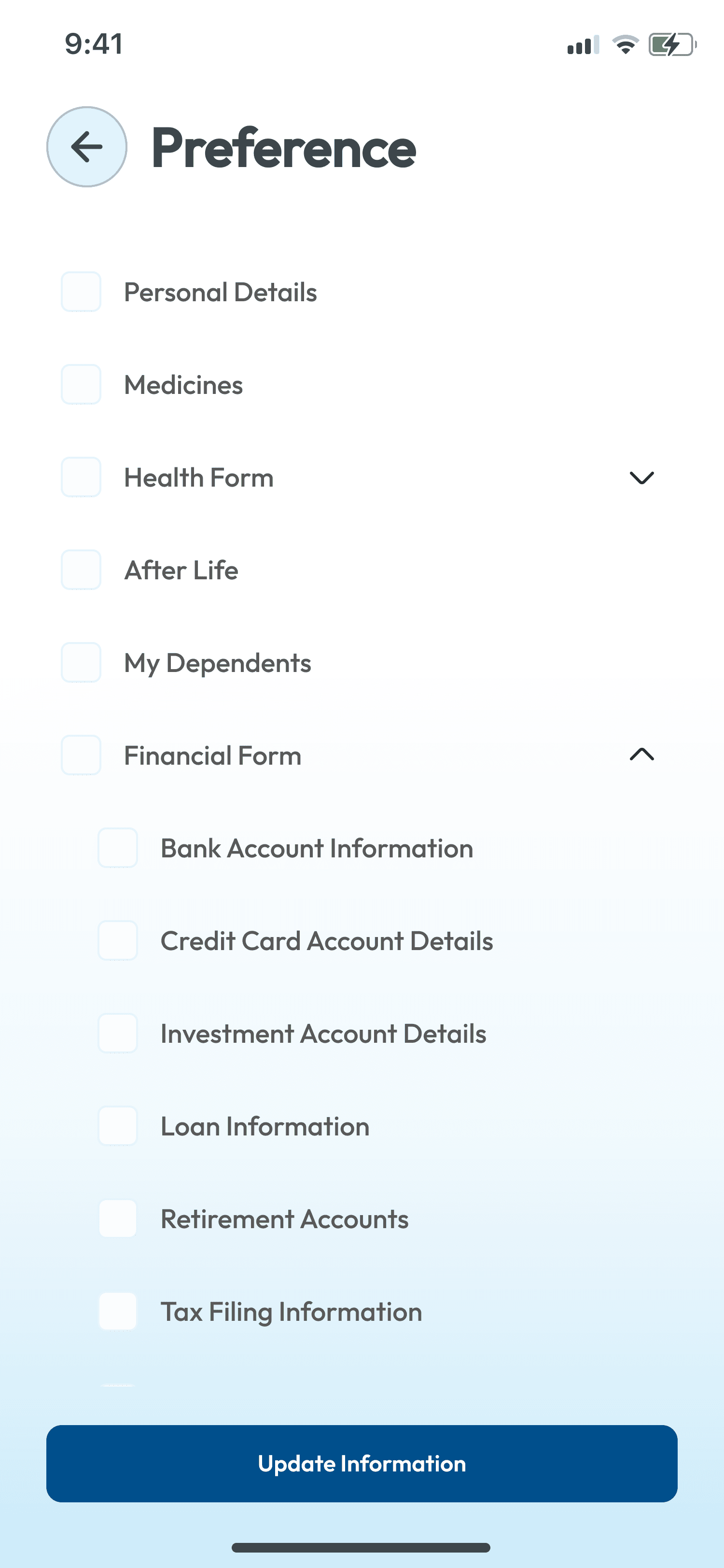
Finance Manager, Legal Rep — module-level access control
Design Screens
Key interfaces
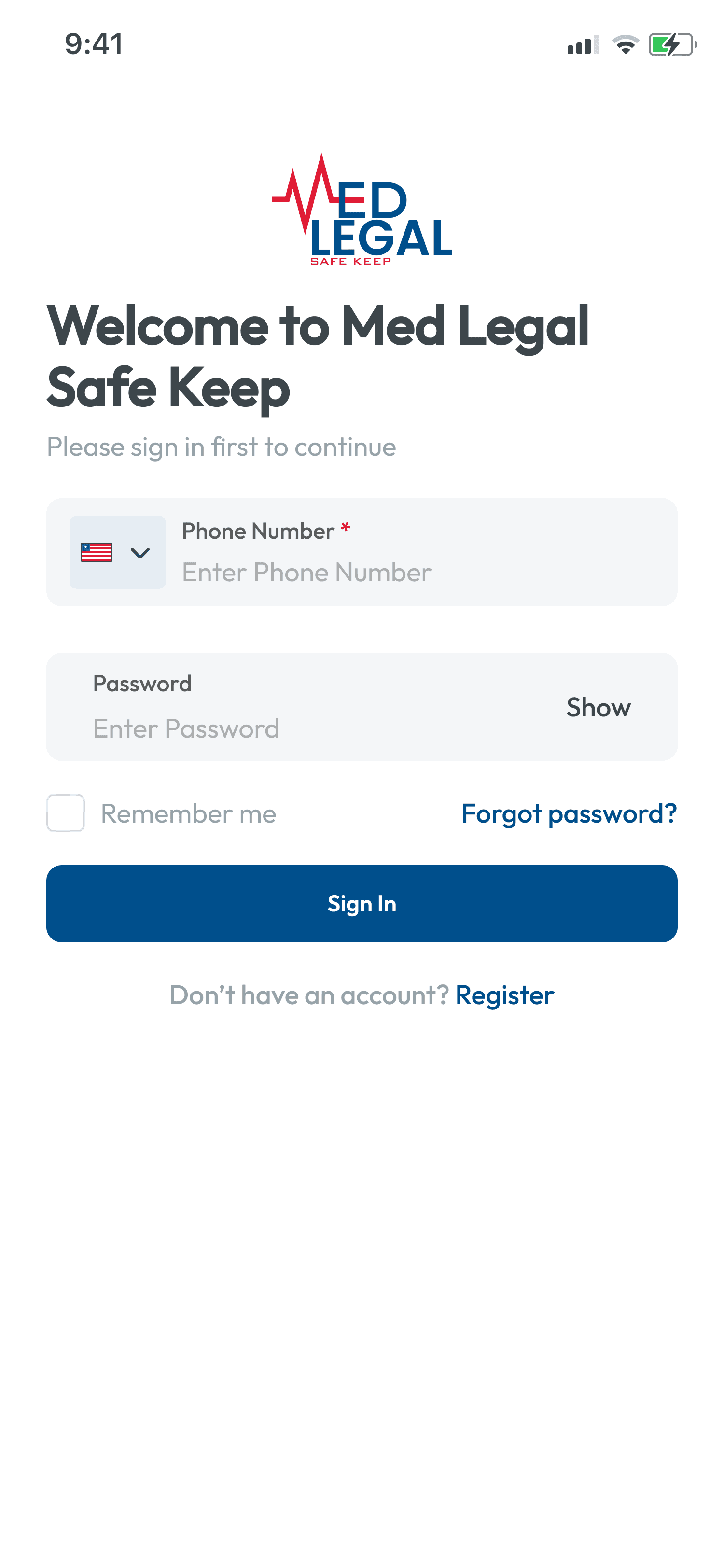
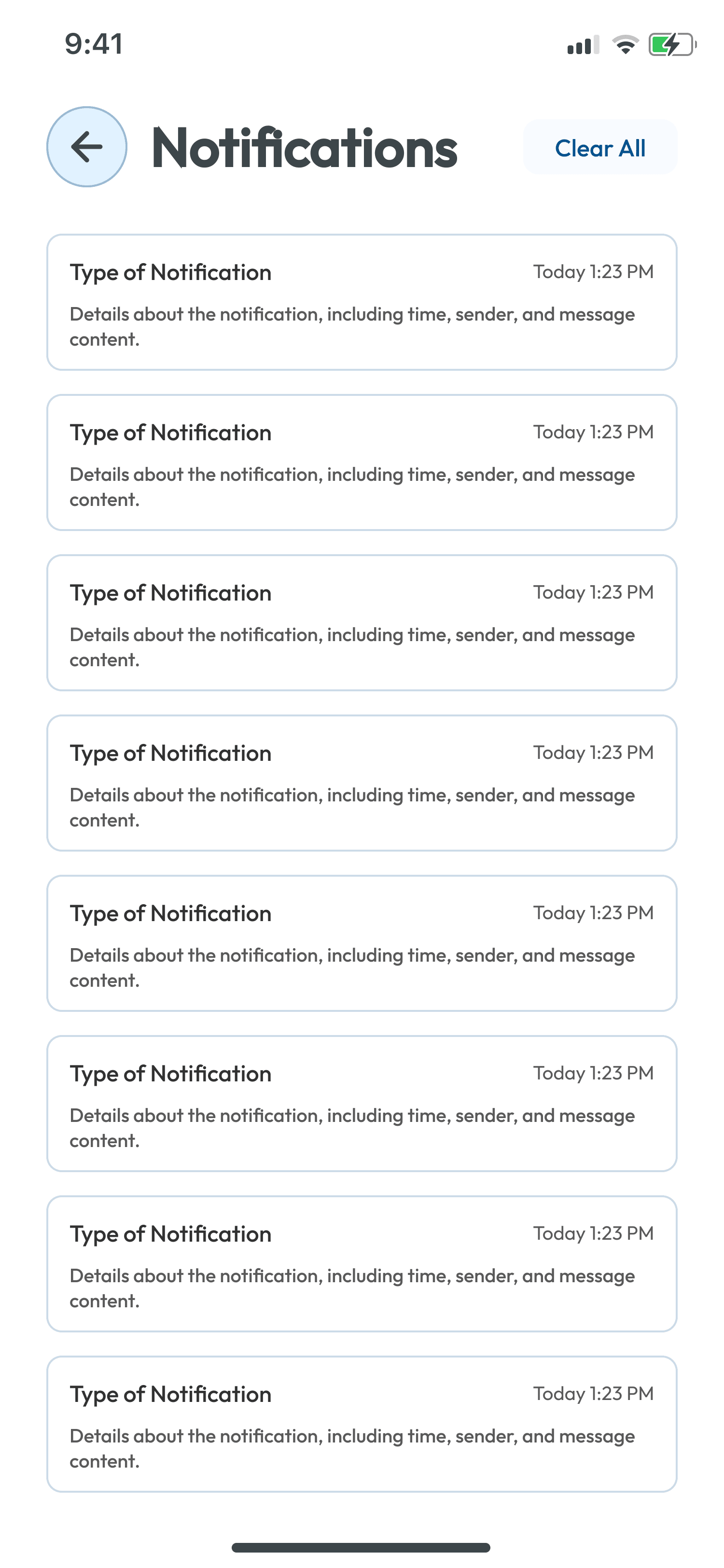
Real screens from the final design — every screen designed for clarity, trust, and ease of use across all age groups.
Design Process
How I approached it
Discovery & Research
Ran 18 in-depth interviews across 3 user groups — patients managing chronic conditions, family caregivers, and legal/estate professionals. Shadowed 4 eldercare practitioners to understand real-world document handoff challenges in emergency situations.
Information Architecture
Designed a modular hub-and-spoke IA with 10 core modules: Authentication, Home Dashboard, Personal Health, Medications, Emergency Contacts, Reminders, Documents, After Life, Dependents, and Role-Based Permissions — each independently navigable yet contextually connected.
Design & Prototyping
Designed 877 screens covering every state, error, empty, and success condition. Built a clean, trustworthy visual language using navy blue (#1B5FAD) — chosen to evoke medical authority while remaining approachable for older users. Established a full iOS design system with reusable components.
Test & Iterate
Conducted 3 moderated usability rounds with 24 participants aged 28–71. Key findings drove a full redesign of the 13-step dependent onboarding, a restructured After Life wizard, and the addition of OTP-based consent flows for adding emergency contacts.
Research Findings
Key insights
Older users needed persistent save confirmation at every step — 'is this saved?' anxiety was the #1 drop-off cause. Progress indicators and auto-save feedback resolved it completely.
The After Life module required a completely different emotional tone — users needed prompts that felt warm and caring, not clinical. Copywriting was as important as the interface.
Emergency contacts needed categorisation (Brother, Wife, Doctor) AND consent flows — users feared adding someone to their vault without that person's knowledge.
The Permissions/Roles system unlocked unexpected enterprise use cases: families assigning a Finance Manager or Legal Representative to access only specific modules.
Outcome
The result
Delivered a complete, launch-ready 877-screen design covering authentication, 10 feature modules, role-based permissions, multi-language support, and a fully documented component library. The app passed client review with zero redesign requests and entered development on schedule.